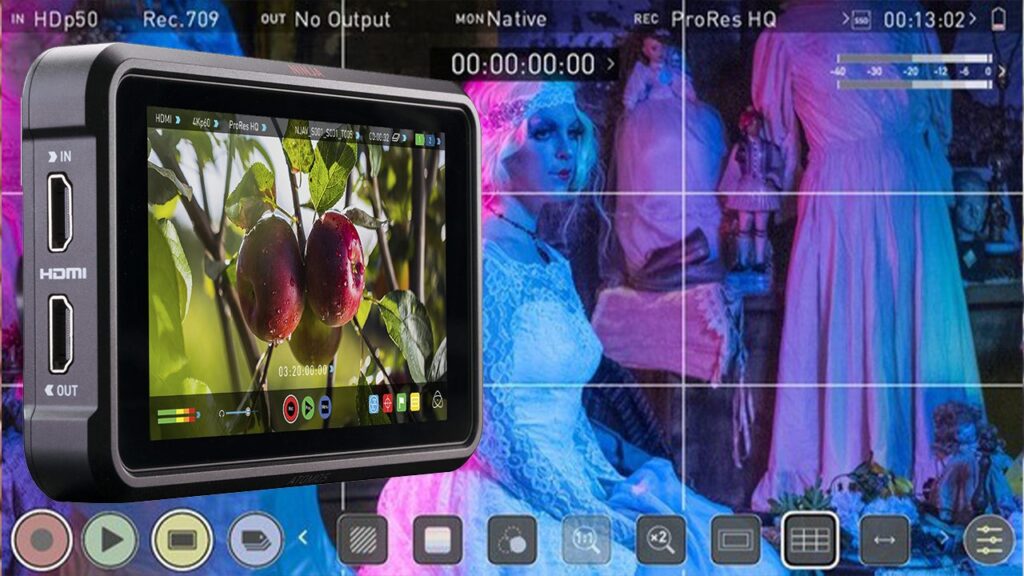
Back in August we covered when it makes sense to rent the Atomos Ninja V as a recorder. This piece is about the other half of the job, the one we think matters more on set: the Ninja V as an exposure tool. Plenty of people book it for ProRes and then use it as a big screen. That’s a waste, because AtomOS packs exactly what a mirrorless camera either lacks or buries deep in a menu.
What’s on board
From the official Atomos user manual:
- Screen: 5.2 inches, 1920×1080, 1000 nits rated (±10%), 10-bit panel (8+2 FRC).
- Scopes: luma and RGB waveform, vectorscope.
- Exposure and focus: false color, zebras, focus peaking, blue-only view.
- 3D LUTs in .cube format, which can also be sent to the HDMI output.
- Framing: cine and social frame guides, safe areas, anamorphic de-squeeze at 2x, 1.8x, 1.5x, 1.33x and 1.25x.
Reading false color properly
The Atomos scale is simple: green between 44 and 47 IRE for mid grey, purple from -7 to 2 IRE for crushed shadows, bright orange from 96 to 109 IRE for clipped highlights. In Rec.709 it tells you more at a glance than any histogram.
Log is a different story. Log curves squeeze the highlights and shift the values: in S-Log3, 18% grey sits around 41%, not 45. So before the first take we run a quick test with a grey card and the profile you’ll actually shoot, and check where it lands. Two minutes at our place, and on set you already know what every color means.
RGB waveform for white balance
This is the trick we recommend most and almost nobody uses. Frame a white sheet or the grey card: if the red, green and blue traces sit at the same height, your balance is right. If blue rides higher, you’re cool. In a church with north-facing windows and warm lamps inside, that happens more often than you’d think.
The LUT goes out over HDMI too
The Ninja V can send the LUT to its output without baking it into the recording. In practice: you record clean log, while the director and the client see a contrasty image. We often pair it with a Teradek Bolt 6 750, so video village gets the look instead of a flat grey picture that makes the agency nervous.
Three things to watch
- Scopes disappear when anamorphic de-squeeze is on: Atomos says so in the manual. Expose first, then switch de-squeeze back on to compose.
- Batteries: Atomos rates up to 2 hours on a 5200 mAh NP-F and up to 3 on a 7800 mAh one, recording 4Kp60. At full brightness outdoors, expect less. We always send more than one.
- It’s not a reference monitor: it’s great for exposure and focus, but fine color calls belong on a calibrated display, not on a 5-inch screen in the sun.
What we pair it with
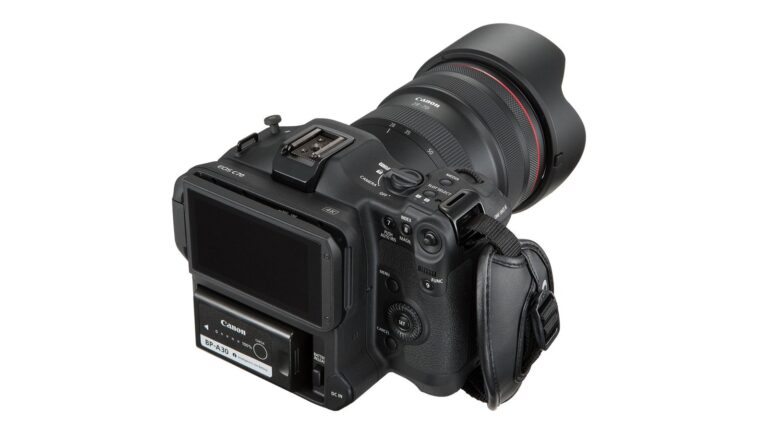
On the Sony FX3 and the Canon EOS C70 we mount it mainly to get every tool on one screen you can read in daylight, rather than hunting through menus. On documentaries, cinematic weddings and short films with a small crew, where the operator exposes alone, it’s the difference between guessing and knowing what you’re taking home.
We rent the Ninja V at 20 euros a day, 50 for three days and 80 for a week, plus VAT, with a 1 TB SSD included. For a few days’ work it isn’t worth buying. Full packages are in our kits; if you want advice on the setup, call us before you book. CineD also covered the OS update and the new frame guides.
A wide range of equipment in our catalogue, on-set delivery included across Abruzzo.