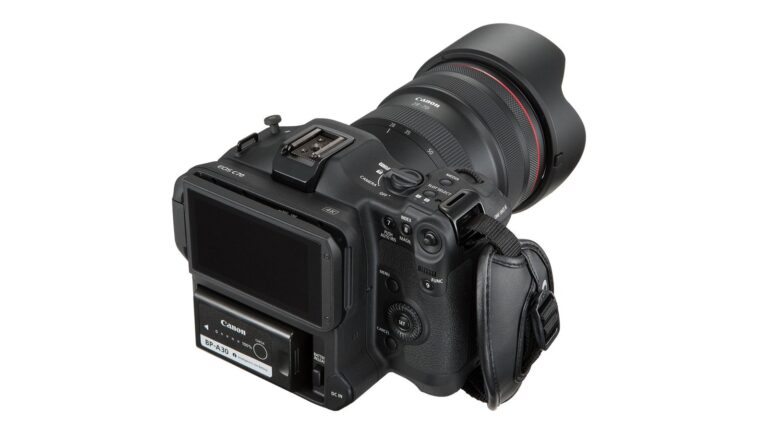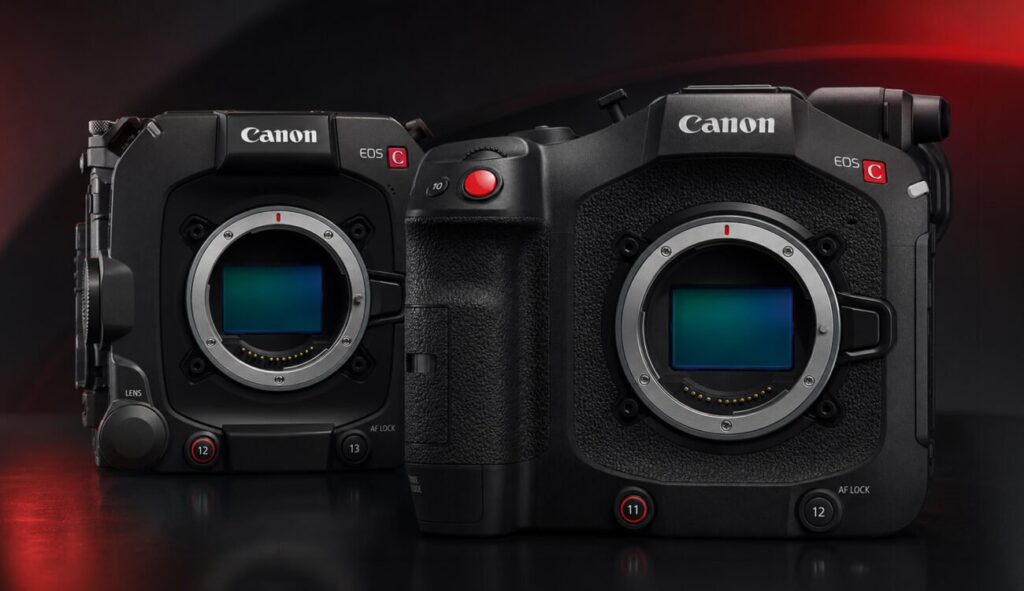
On 19 August Canon published firmware 1.0.7.1 for the EOS C400 and EOS C80. It is a free download from the support pages, and for once it is not the usual list of fixes: it brings a new exposure mode that changes how the camera splits dynamic range between highlights and shadows.
What Cinema Exposure actually does
The firmware adds a Capture Mode entry to the menu, where you now choose between the familiar Custom Picture and the new Cinema Exposure. With it enabled, the camera reallocates dynamic range according to the ISO you are working at: above base ISO, Canon claims up to two extra stops of highlight retention. It also brings a streamlined menu built for log shooting, so you are not scrolling through the same fourteen Custom Picture items every time the set changes.
In plain terms, this is Canon answering an old complaint. On recent Cinema EOS bodies, pushing the ISO up meant watching your highlight headroom shrink exactly when you needed it most: a window behind the interviewee, a neon sign in frame, an evening exterior with the practicals on. In our opinion this is the most useful update of the year for these two cameras, far more than support for a lens almost nobody rents.
The rest of the package
- Compatibility with the CINE-SERVO 40-1200mm T5.0-10.8 (CN30x40), in both RF and PL versions.
- External audio output during slow and fast motion recording: a small thing, but anyone shooting sport or events has been waiting for it.
- C400 only: Auto Exposure Ramping Compensation, which uses lens-to-body communication to compensate for the exposure shift while zooming. It makes sense that it is reserved for the C400, the body with the broadcast and live soul.
- On the C80, beyond Cinema Exposure, Canon lists general operational stability improvements.
What it means for productions in Italy
Little if you shoot drama with controlled light, quite a lot if you work in documentary, corporate and live. The typical case is our daily bread in Abruzzo: interviews in factories and wineries, warehouses with skylights, rooms with big glass walls. There you have neither the time nor the budget to flag everything, so you raise the ISO to keep the aperture where you want it and hope the window does not blow out. In that situation two extra stops of headroom are worth more than one more panel.
Nothing changes in post: still log, still the same material you take into grading. What changes is the starting point. The one caveat is not to treat it as a magic mode to leave on regardless: at or below base ISO it gives you nothing, and mixing shots recorded with and without Cinema Exposure inside the same scene is the easiest way to annoy your colourist. Decide at the start of the day and stay consistent.
An honest note about our fleet
This round covers the C80 and C400 only. The Canon EOS C70 we rent is not included: it had its update back in June, but Cinema Exposure is not coming to it for now. If your project lives on recovered highlights and you want the new mode, today that means a C80 or C400 body, not the C70. We would rather say it now than discover it together on set.
The reverse holds too: if you mostly shoot controlled interiors or exteriors with the sun behind you, the difference is marginal, and at the same budget the Sony FX6 or the C70 itself remain sensible choices. Either way, whichever body you pick, exposing log on a decent monitor is still the part that really changes the result: an Atomos Ninja V with false colour on tells you in three seconds whether you are using those two stops or wasting them.
The usual rule: update before, not on set
The firmware is free and downloads from Canon support. If you rent from us, bodies always ship on the latest stable, tested version; if the camera is yours, update it at the office with a charged battery and a formatted card, never on the morning of the shoot. If you would rather start with everything ready, take a look at our kits for documentary and corporate work.
Sources: Canon’s official firmware notice and CineD.
A wide range of equipment in our catalogue, on-set delivery included across Abruzzo.